Free extension for Chrome
Quiet the noise. Keep your focus.
QuietFocus blocks the sites that pull you away while a calm timer runs. When the session ends, everything opens again — no willpower required.
No account. No tracking. Works offline.

Everything you need to focus, nothing you don't
Small, quiet and private by design.
-
Block distracting sites
Add any site in one click or turn on ready-made lists: social media, video, news and shopping. Subdomains are covered too.
-
Focus sessions
Start 25, 50 or 90 minutes — or set your own time. A live countdown sits right on the toolbar icon.
-
Pomodoro breaks
Short breaks after each block and a longer one every fourth. Sites open during breaks, and gentle notifications keep the rhythm.
-
Strict mode
Can't stop early or loosen the list on a whim: you have to type a confirmation phrase first.
-
A calm block page
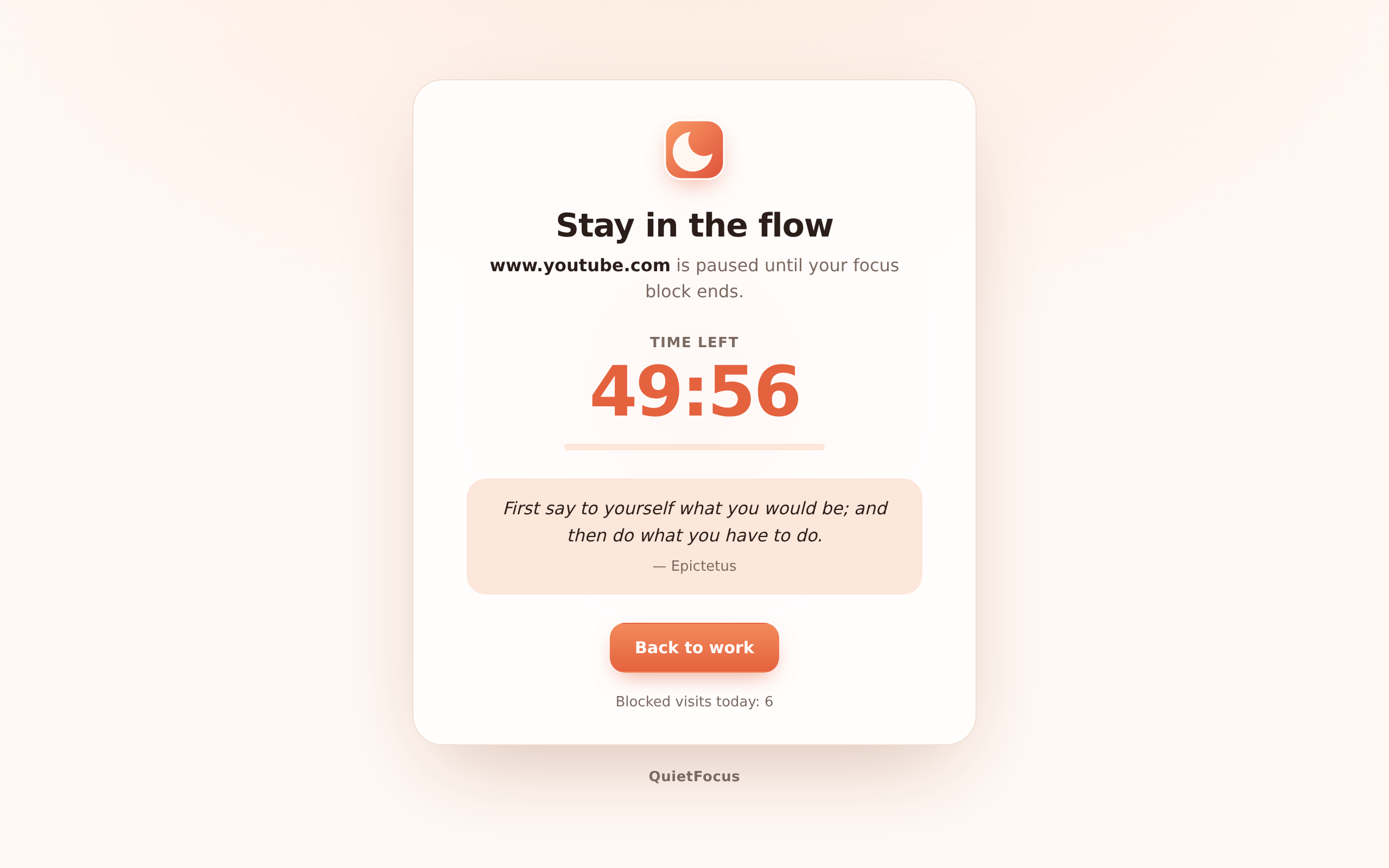
Instead of an error you see the time left and a short quote. One click takes you back to work.
-
Private stats
Sessions, focus minutes and blocked attempts for the last 7 days. Stored only on your device.
-
Scheduled blocking
Block your list automatically on work days and hours, even when no timer is running.
-
Speaks your language
Available in 25 languages, with light and dark themes and full right-to-left support.
How it works
-
Pick your distractions
Add sites or enable a preset. Allow QuietFocus to show its calm block page on them.
-
Start a session
Choose 25, 50 or 90 minutes. The listed sites are paused until the timer ends.
-
Rest and repeat
Take the break, watch your weekly progress grow and come back refreshed.
Calm by design
-
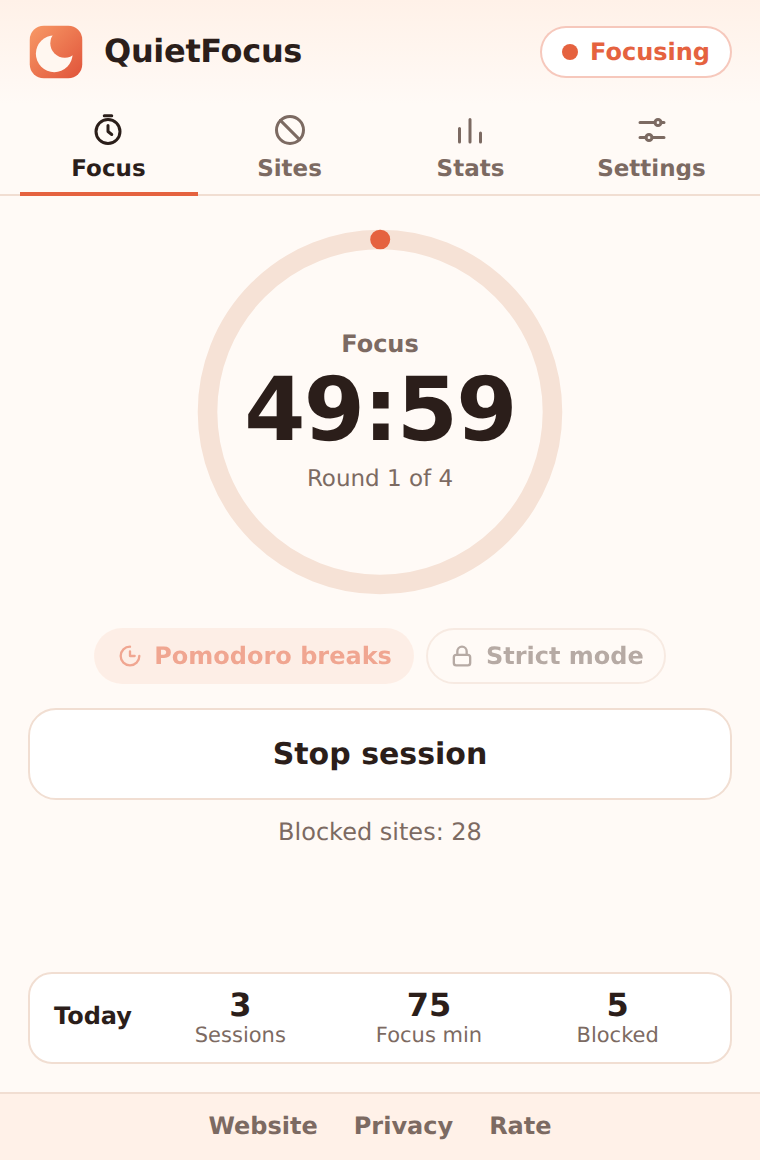
The focus timer -
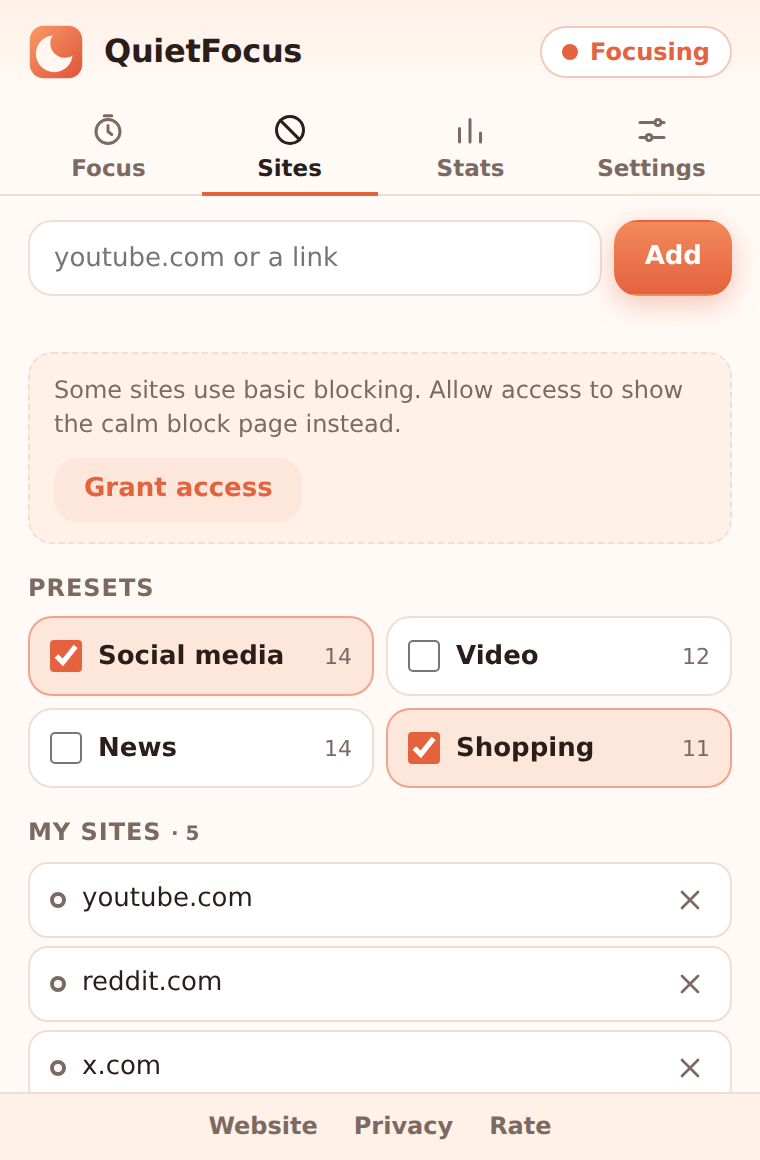
Your block list -
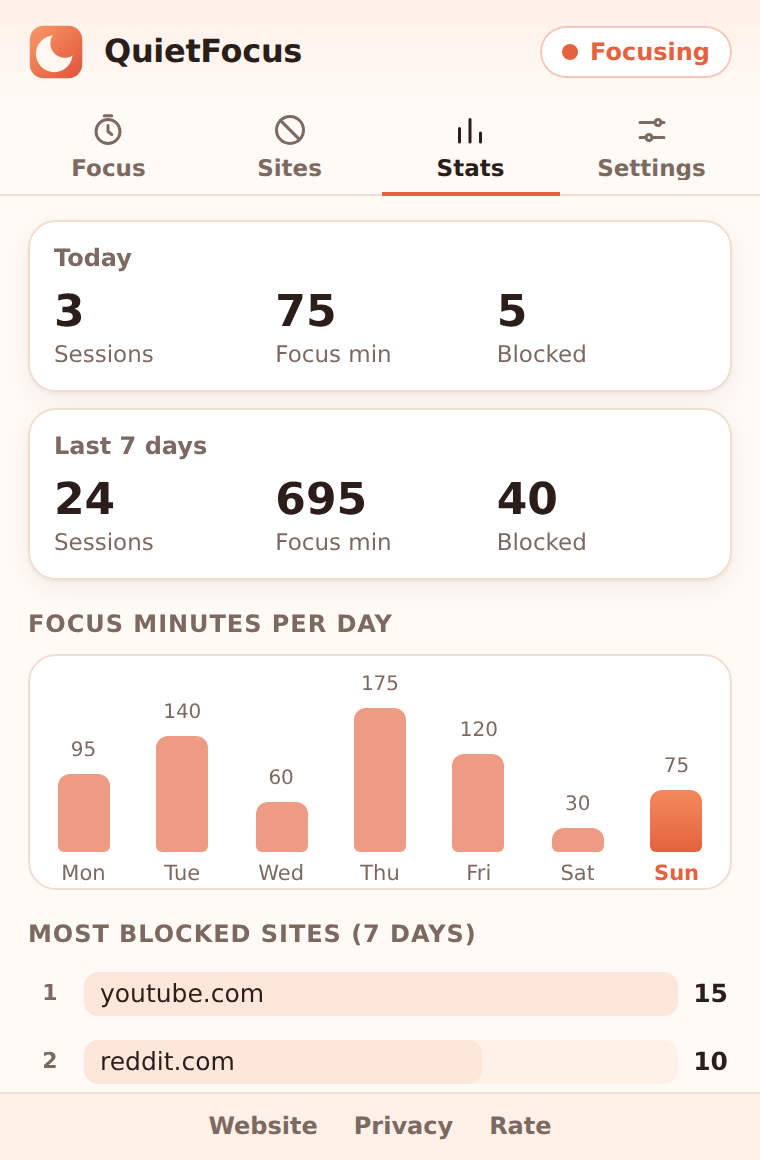
Weekly stats
Your browsing stays yours
QuietFocus has no account, no analytics and no ads. Your lists and stats never leave your device. Blocking happens inside Chrome, so the extension never reads the pages you visit.
Read the privacy policyQuestions and answers
Is QuietFocus free?
Yes. All features are free, with no ads and no account.
Why does it ask for access to the sites I block?
Chrome needs it to redirect a blocked site to the calm QuietFocus page. Access is requested only for the sites on your list. If you decline, the sites are still blocked, but Chrome shows its standard error page instead.
Can I stop a session early?
Yes, with one click. In strict mode you first type a short confirmation phrase, so stopping is a conscious choice.
Does it work if I close the browser?
Yes. The session end is saved, so when Chrome starts again the timer picks up where it should be and unblocks the sites on time.
What data does QuietFocus collect?
None. Lists, settings and statistics are stored locally in Chrome. Once a day the extension downloads a small public file with news about QuietFocus; nothing about you is sent.
Can I keep some pages open, like a work channel?
Yes. Add an always-allowed page, for example a single subreddit or a documentation section, and it stays open during focus.
Ready for a quieter day?
Install QuietFocus and start your first focus session in under a minute.
Add to Chrome